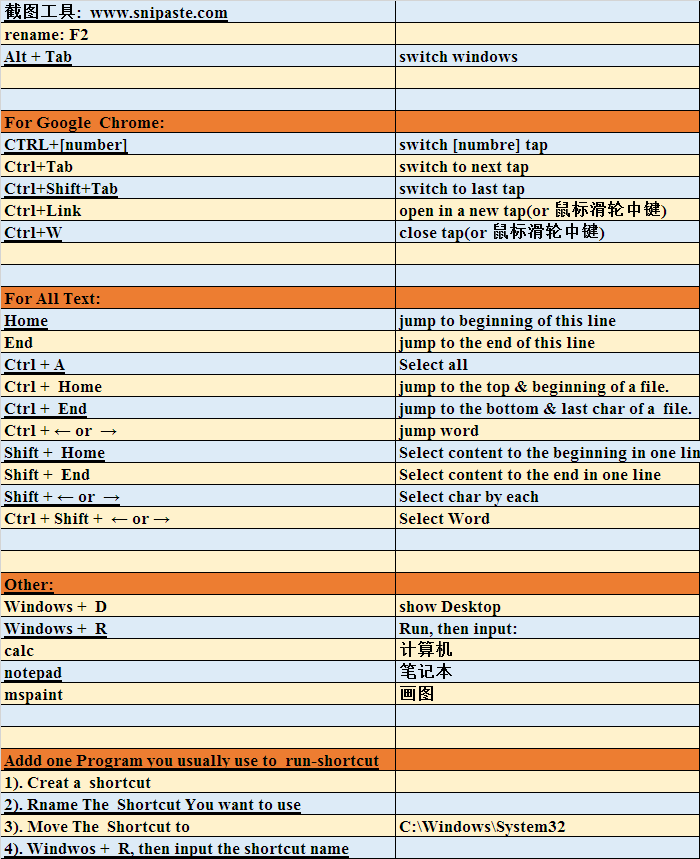
| 截图工具: www.snipaste.com |
|
| rename: F2 |
|
| Alt + Tab | switch windows |
| |
|
|
|
| For Google Chrome: |
|
| CTRL+[number] | switch [numbre] tap |
| Ctrl+Tab | switch to next tap |
| Ctrl+Shift+Tab | switch to last tap |
| Ctrl+Link | open in a new tap(or 鼠标滑轮中键) |
| Ctrl+W | close tap(or 鼠标滑轮中键) |
| |
|
|
|
| For All Text: |
|
| Home | jump to beginning of this line |
| End | jump to the end of this line |
| Ctrl + A | Select all |
| Ctrl + Home | jump to the top & beginning of a file. |
| Ctrl + End | jump to the bottom & last char of a file. |
| Ctrl + ← or → | jump word |
| Shift + Home | Select content to the beginning in one line |
| Shift + End | Select content to the end in one line |
| Shift + ← or → | Select char by each |
| Ctrl + Shift + ← or → | Select Word |
| |
|
|
|
| Other: |
|
| Windows + D | show Desktop |
| Windows + R | Run, then input: |
| calc | 计算机 |
| notepad | 笔记本 |
| mspaint | 画图 |
| |
|
|
|
| Addd one Program you usually use to run-shortcut |
|
| 1). Creat a shortcut |
|
| 2). Rname The Shortcut You want to use |
|
| 3). Move The Shortcut to | C:\Windows\System32 |
| 4). Windwos + R, then input the shortcut name |
|



 发表于 2020-10-13 17:27:04